AI Pair Programming in 2026: How Development Teams Ship Software Faster With AI Copilots
AI pair programming is a software development approach where a human engineer works with an AI coding assistant to plan, write, test, review, and improve code.
In 2026, modern agentic coding tools can understand the full codebase, make changes across multiple files, run tests, fix errors, and support entire development tasks. Human engineers still control architecture, security, quality, and final approval, while AI handles repetitive implementation work at speed.
Introduction
For many years, pair programming meant two developers working together on the same task.
One developer wrote the code, while the other reviewed the approach, identified issues, and suggested improvements.
The method improved code quality and knowledge sharing, but it was expensive. Two engineers were assigned to produce one stream of work.
AI pair programming changes that model.
Instead of working with another human navigator, a developer works with an AI coding assistant that can understand requirements, inspect the codebase, propose an implementation plan, write code, generate tests, and revise the output based on feedback.
This is different from basic autocomplete.
Modern AI coding tools do not only suggest the next line. They can work across the repository, execute commands, read test results, update several files, and complete structured development tasks.
The biggest benefit is not simply faster typing. It is the ability to move from manually writing every line of code to directing, reviewing, and approving implementation work.
What Is AI Pair Programming?
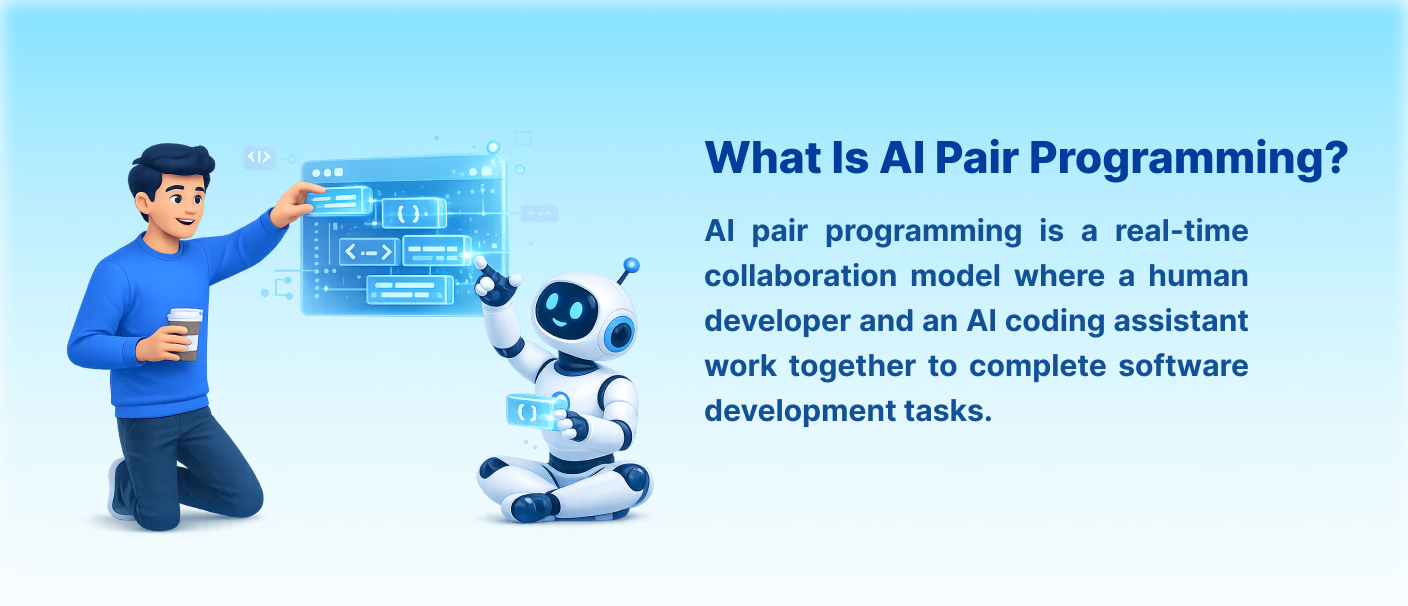
AI pair programming is a real-time collaboration model where a human developer and an AI coding assistant work together to complete software development tasks.
The human engineer provides:
- Business context
- Requirements
- Architecture decisions
- Technical constraints
- Security boundaries
- Quality standards
- Final approval
The AI assistant supports:
- Code generation
- Boilerplate creation
- Refactoring
- Test generation
- Documentation
- Debugging
- Multi-file changes
- Command execution
- Error correction
AI pair programming can happen at different levels.
A basic tool may only complete code inside the current file. A conversational tool can answer questions and generate code from instructions. An agentic tool can understand the entire repository and complete multi-step tasks with limited supervision.
In simple terms, AI pair programming helps developers spend less time typing routine code and more time making technical decisions.
Why Development Teams Need AI Pair Programming
Development teams need AI pair programming because traditional software development depends heavily on manual execution.
Even experienced developers spend significant time on repetitive work such as:
- Writing CRUD endpoints
- Creating form components
- Generating test cases
- Updating documentation
- Refactoring repetitive code
- Fixing simple bugs
- Connecting APIs
- Creating data models
- Writing validation logic
These tasks are necessary, but they do not always require the full attention of a senior engineer.
AI pair programming allows the AI assistant to handle more of this implementation work while human developers focus on:
- System architecture
- Product requirements
- Performance trade-offs
- Security review
- Edge cases
- Business logic
- Code quality
- Deployment decisions
It also helps teams reduce delivery delays caused by context switching, repetitive coding, and manual test creation.
When the workflow is structured properly, AI pair programming can help teams:
- Deliver routine features faster
- Improve test coverage
- Reduce boilerplate work
- Speed up codebase understanding
- Generate documentation more consistently
- Shorten bug-fixing cycles
- Reduce developer fatigue
- Improve engineering output without increasing headcount
How AI Pair Programming Works
AI pair programming works best when the human engineer sets direction and the AI assistant handles implementation in controlled stages.
1. The Developer Defines the Task
The process starts with a clear task specification.
A strong specification should include:
- What needs to be built
- Which files may need changes
- Expected behavior
- Performance requirements
- Security constraints
- Test expectations
- What is outside the scope
For example, instead of saying:
“Add authentication.”
A better instruction would be:
“Add JWT-based authentication to the existing FastAPI application. Use the current user model, add login and refresh-token endpoints, preserve existing API behavior, add role checks, and include unit and integration tests.”
The clearer the requirement, the better the AI output.
2. The AI Reviews the Codebase
Modern agentic coding tools can inspect the repository before making changes.
The AI may review:
- Project structure
- Existing coding patterns
- Dependencies
- API conventions
- Test framework
- Authentication logic
- Database models
- Error-handling patterns
This helps the AI produce code that is more consistent with the existing project.
Without codebase context, the AI may generate technically correct code that does not fit the application.
3. The AI Proposes an Implementation Plan
Before writing code, the AI should explain how it plans to complete the task.
The plan may include:
- Files to modify
- New components or functions
- Database changes
- API updates
- Test cases
- Possible risks
- Dependencies
The human developer reviews this plan and corrects the approach before implementation begins.
This stage is important because changing the plan takes seconds. Fixing a poor implementation later may take hours.
4. The AI Implements the Task
Once the plan is approved, the AI starts making changes.
Depending on the tool, it may:
- Create new files
- Update existing functions
- Add API routes
- Build components
- Write database migrations
- Add validation
- Generate tests
- Update documentation
Agentic coding tools may also run shell commands, install dependencies, and execute the test suite.
5. The AI Runs Tests and Fixes Errors
The AI assistant can run tests after implementation.
If a test fails, it can:
- Read the error
- Identify the likely cause
- Update the code
- Run the test again
- Repeat until the issue is resolved
This reduces the amount of manual debugging required for routine problems.
However, passing tests does not guarantee that the implementation is correct. Human review is still necessary.
6. The Developer Reviews the Output
The human engineer reviews the implementation in stages.
The review should cover:
- Architecture fit
- Business logic
- Security
- Edge cases
- Performance
- Maintainability
- Test quality
- Unnecessary changes
AI-generated code should never be accepted automatically.
The developer remains responsible for deciding whether the code should be merged.
7. The AI Updates Documentation
After the implementation is approved, the AI can update:
- README files
- API documentation
- Code comments
- Setup instructions
- Architecture notes
- Changelogs
This helps keep documentation aligned with the codebase.
The Three Levels of AI Pair Programming
Level 1: Autocomplete
Autocomplete tools predict the next line or block of code.
Examples include:
- GitHub Copilot
- Tabnine
- Codeium
These tools are useful for:
- Boilerplate
- Repetitive functions
- Common patterns
- Standard syntax
The developer still controls the full task and manually integrates the suggestions.
This level usually provides a moderate productivity improvement.
Level 2: Conversational Assistance
Conversational tools allow developers to ask questions and generate code using natural language.
Examples include:
- ChatGPT
- Claude inside an IDE
- Copilot Chat
These tools can:
- Explain unfamiliar code
- Suggest solutions
- Generate functions
- Write tests
- Help debug errors
- Compare implementation options
They are more useful than autocomplete but may still have limited repository awareness.
Level 3: Agentic Pair Programming
Agentic coding tools can understand a full repository and complete multi-step tasks.
Examples include:
- Claude Code
- Cursor
- Windsurf
- Devin
These tools can:
- Explore the codebase
- Plan implementation
- Change multiple files
- Run commands
- Generate tests
- Read failures
- Fix errors
- Present completed work for review
This is the closest form of true AI pair programming because the AI can own a complete implementation task while the human supervises.
Key Features of an Effective AI Pair Programming
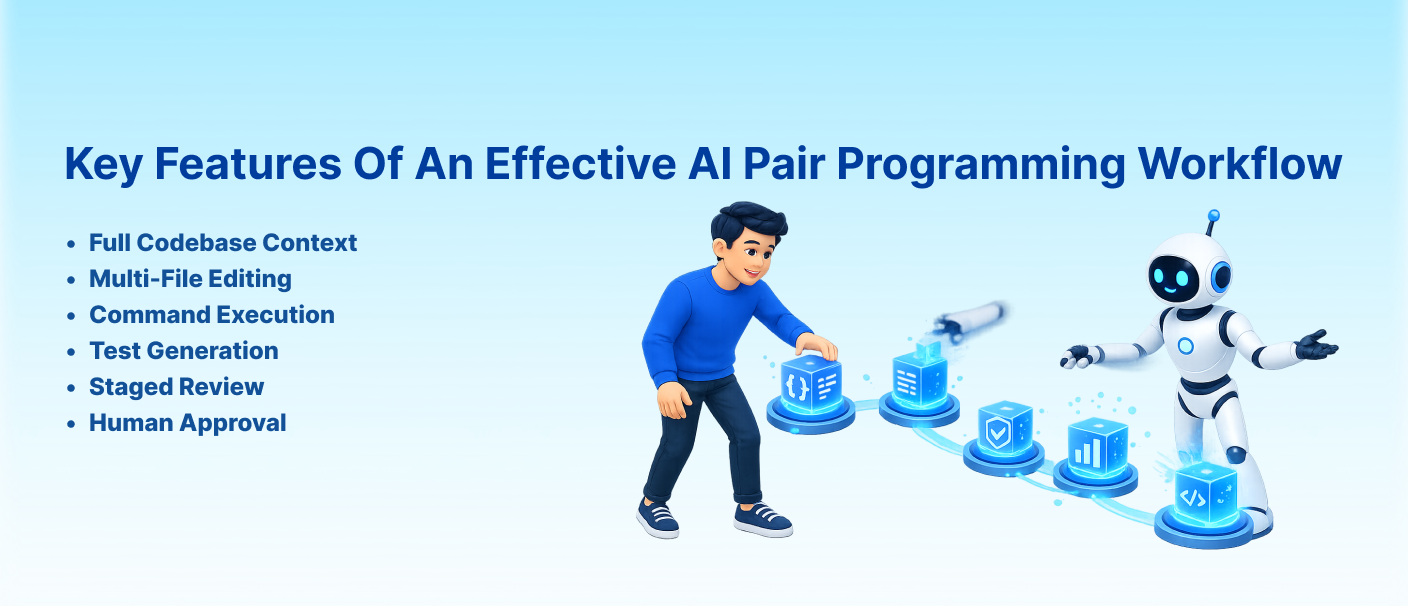
Workflow
Full Codebase Context
The AI coding assistant should understand the broader repository, not only the current file.
This helps it follow existing patterns and avoid inconsistent changes.
Multi-File Editing
Modern features usually require updates across several files.
A useful AI assistant should be able to modify components, APIs, tests, models, and documentation together.
Command Execution
Agentic coding tools can run tests, build commands, linters, and migration tools directly.
This supports faster verification.
Test Generation
The AI assistant should generate tests alongside the implementation.
This helps improve coverage and reduce the chance of hidden regressions.
Project Context Files
Teams can create files such as CLAUDE.md or .cursorrules to explain project standards.
These files may include:
- Architecture overview
- Naming conventions
- Coding standards
- Testing requirements
- Authentication patterns
- Error-handling rules
- Common project mistakes
Good context files help the AI behave more like a team member.
Staged Review
AI output should be reviewed at several points:
- Plan review
- Interface review
- Implementation review
- Test review
- Security review
This catches mistakes earlier.
Human Approval
The human developer remains the final quality gate.
No important code should move to production without human review.
Use Cases of AI Pair Programming
1. CRUD Feature Development
AI pair programming is highly effective for standard create, read, update, and delete workflows.
The AI can generate:
- API endpoints
- Database models
- Validation
- UI forms
- Tests
- Documentation
These tasks follow common patterns and are well suited to AI assistance.
2. Frontend Component Development
AI tools can create:
- React components
- Vue components
- Forms
- Tables
- Modals
- Responsive layouts
- State-management logic
Human developers still need to check usability, accessibility, and design accuracy.
3. Test Suite Creation
AI assistants can generate:
- Unit tests
- Integration tests
- API tests
- Test fixtures
- Edge-case scenarios
- Mock data
Test creation is one of the strongest use cases because it is repetitive but important.
4. Refactoring
AI pair programming can help:
- Break large functions into smaller ones
- Rename variables consistently
- Remove repeated code
- Update deprecated APIs
- Migrate patterns across files
- Improve code readability
The developer should still confirm that behavior has not changed unexpectedly.
5. Bug Fixing
For well-defined bugs, AI tools can inspect errors, trace relevant files, propose a fix, and run tests.
This is especially useful when the issue has a clear reproduction case.
6. Documentation
AI can create and update technical documentation alongside development.
This includes:
- API references
- README files
- Setup instructions
- Code comments
- Architecture explanations
7. Developer Onboarding
New developers can use an AI coding assistant to understand:
- Project structure
- Data flow
- Major modules
- API relationships
- Existing conventions
- Test strategy
This can shorten the time needed to become productive in a new codebase.
Benefits of AI Pair Programming
Faster Feature Delivery
AI can handle repetitive implementation work while developers focus on architecture and review.
This shortens the development cycle for routine features.
Better Test Coverage
AI assistants can generate tests as part of every task.
This reduces the chance that testing will be skipped under delivery pressure.
Reduced Developer Fatigue
Developers spend less time writing repetitive code and debugging basic errors.
This allows them to focus on more meaningful technical work.
Faster Codebase Understanding
AI tools can explain unfamiliar modules and trace relationships across files.
This is useful for onboarding and legacy code maintenance.
More Consistent Documentation
Documentation can be generated and updated alongside code changes.
This helps reduce outdated technical information.
Lower Cost per Feature
AI tool licenses are usually much cheaper than adding another full-time developer.
When used properly, one experienced engineer can produce significantly more output.
Better Use of Senior Engineers
Senior developers can spend more time on:
- Architecture
- Security
- Performance
- Product decisions
- Code review
- Technical direction
The AI handles more routine implementation work.
Common Challenges in AI Pair Programming
Poor Task Specifications
AI output becomes weak when requirements are vague.
The assistant may make incorrect assumptions or change areas that were not intended.
Clear specifications are essential.
Blind Trust in AI Output
AI-generated code can contain:
- Security weaknesses
- Incorrect assumptions
- Hidden bugs
- Unnecessary complexity
- Poor performance
- Inconsistent patterns
Every important change needs human review.
Architecture Drift
If the AI is not given project standards, it may introduce new patterns that do not match the codebase.
Context files and review guidelines help prevent this.
Weak Test Quality
AI may generate tests that only cover the happy path.
Human developers should confirm that edge cases and failure scenarios are included.
Security-Critical Code
AI-generated code should receive extra review when it involves:
- Authentication
- Authorization
- Encryption
- Payments
- Sensitive data
- Access control
Passing tests does not guarantee security.
Novel Algorithms
AI performs best on known patterns.
It is less reliable for research-heavy problems, new algorithms, or logic without established examples.
Team Resistance
Developers may resist AI tools if adoption is forced without training or workflow support.
Successful adoption usually begins with a few interested senior engineers who demonstrate real results.
Measuring the Wrong Metrics
Lines of code are not a useful measure of AI productivity.
Teams should track:
- Feature delivery time
- Bug rate
- Test coverage
- Pull request review time
- Production incidents
- Developer satisfaction
How Cloudastra Helps Teams Adopt AI Pair
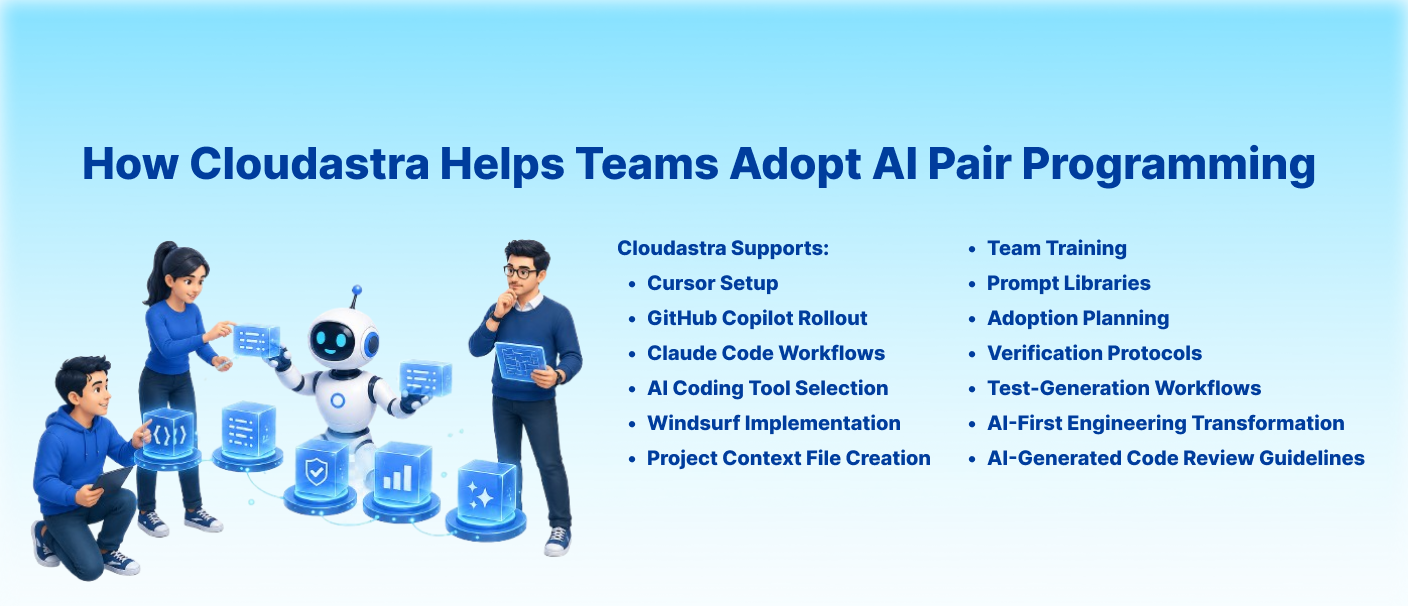
Programming
Cloudastra helps development teams move from basic AI code suggestions to structured AI pair programming workflows.
Cloudastra supports:
- AI coding tool selection
- Cursor setup
- Claude Code workflows
- GitHub Copilot rollout
- Windsurf implementation
- Project context file creation
- Prompt libraries
- Verification protocols
- AI-generated code review guidelines
- Test-generation workflows
- Team training
- Adoption planning
- AI-first engineering transformation
The focus is not only on installing an AI tool.
Cloudastra helps teams redesign how tasks are specified, implemented, tested, reviewed, and approved.
This creates a safer and more practical transition from traditional development to AI-assisted and AI-first engineering.
Who Should Use AI Pair Programming?
AI pair programming is useful for:
- Software development teams
- SaaS companies
- Startups
- Product engineering teams
- Full-stack developers
- Frontend teams
- Backend teams
- DevOps teams
- QA engineers
- Technical founders
- Engineering managers
- Companies maintaining large codebases
It is especially useful for teams that handle repetitive feature work, testing, refactoring, bug fixing, and documentation.
Planning your AI adoption budget? Read our AI Consultant Hourly Rates in 2026 guide to compare consulting rates, project costs and pricing models before choosing an implementation partner.
Want to explore more practical insights on AI development, automation, and conversational AI? Read more blogs at Cloudastra Technologies or contact us for business enquiries through Cloudastra Contact Us.
FAQs
1. What is AI pair programming?
AI pair programming is a development approach where a human developer works with an AI coding assistant to plan, write, test, review, and improve software.
2. How is AI pair programming different from autocomplete?
Autocomplete predicts the next line of code using local context. AI pair programming can understand a larger codebase, propose implementation plans, edit multiple files, run tests, and complete multi-step tasks.
3. Does AI pair programming make development teams faster?
Yes. It can significantly improve speed for routine tasks such as CRUD development, testing, refactoring, and documentation. The improvement is usually smaller for architecture-heavy or novel work.
4. Which AI pair programming tool should a team use?
GitHub Copilot is useful for low-friction autocomplete and enterprise adoption. Cursor is suitable for teams that want agentic capabilities inside a visual IDE. Claude Code is useful for terminal-first workflows and repository-wide task execution.
5. Does AI pair programming replace developers?
No. AI assists with implementation, but human developers remain responsible for architecture, security, business logic, quality, and production approval.
6. What are the biggest AI pair programming mistakes?
Common mistakes include vague instructions, trusting AI output without review, skipping tests, ignoring security risks, and installing tools without changing the development workflow.
7. How much does AI pair programming cost?
AI coding tools commonly cost around $20–$70 per developer per month, depending on the tool and plan. The larger cost is usually the training and workflow adjustment required during adoption.
8. How does Cloudastra help with AI pair programming?
Cloudastra helps teams choose tools, build context files, create prompt libraries, establish verification protocols, redesign review workflows, and train developers to use AI coding assistants effectively.